
Quick answer: Canva is a free design app (web, Android and iPhone) with thousands of ready templates. Pick a template, change the text, colours and photos to your brand, then download as PNG, JPG, PDF or video. The free plan is enough for most small businesses; Canva Pro adds a brand kit, background remover, more stock photos and resizing. Many Kenyans also earn by designing posters, menus and social posts for local businesses.
What You Can Make on Canva
| Design | Use it for | Tip |
|---|---|---|
| Poster / flyer | Offers, events, new stock | One message, big price, phone number |
| Social media post | Facebook, Instagram, WhatsApp status | Square (1080×1080) or story (1080×1920) |
| Logo | Shop sign, stickers, profile picture | Simple shapes, 2 colours, readable small |
| Menu / price list | Cafés, salons, kibandas | Group items, clear prices |
| Business card | Meetings, deliveries | Name, service, phone, location |
| Short video | Reels, TikTok, status | Use video templates with captions |
Step by Step: Your First Poster
- Open Canva (canva.com or the app) and sign up free with your email or Google account.
- Search a template, e.g. "sale poster" or "salon price list".
- Replace the text: product, price, phone number, location.
- Change colours to your brand colours and upload your own product photos.
- Check spelling and that the phone number is correct.
- Download as PNG for WhatsApp/social media or PDF for printing.
Free vs Canva Pro
| Feature | Free | Pro |
|---|---|---|
| Templates and editing | Yes (many) | All templates |
| Background remover | No | Yes |
| Brand kit (logos, colours, fonts) | Limited | Yes |
| Magic resize to other formats | No | Yes |
| Premium stock photos | Limited | Yes |
Start free. Upgrade only when you design every day or for clients, and the time saved pays for it.
Design Rules That Make Posters Sell
- One main message per design.
- Big, readable price and phone number.
- Real photos of your own products beat stock photos.
- Two fonts at most.
- Leave space; crowded posters get ignored.
How to Make Money With Canva
- Design posters, menus and price lists for shops near you.
- Offer monthly social media post packages to small businesses.
- Design event invitations, programmes and certificates.
- Sell templates to other creators.
Put your samples on your Stay Home Network profile and promote them in your posts. If you sell products, use your designs in a free Buy More Mall shop.
Example: A Salon in Kisumu
A salon owner makes one price-list design, one weekly offer poster and three WhatsApp status posts every Monday, all from saved templates in her brand colours. It takes about an hour a week. Customers now screenshot the price list and book by WhatsApp, and two neighbouring shops have asked her to design theirs for a fee.
Quick Checklist
- Brand colours and logo saved
- Phone number on every design
- Correct size for each platform
- Spell-checked before download
Your First 30 Days
- Week 1: make 5 designs for an imaginary business to learn the tools.
- Week 2: redesign the poster of a real shop near you (free) and ask permission to show it.
- Week 3: create a price list: posters, menus, monthly social packs.
- Week 4: pitch 10 businesses with your samples on WhatsApp.
Common Mistakes to Avoid
- Using copyrighted logos or brand names that are not yours.
- Tiny text that cannot be read on a phone.
- Downloading low quality for print (use PDF Print).
- Copying another designer’s work.
Stay safe: never pay a "registration", "activation" or "withdrawal" fee to get paid, and never share your password or M-Pesa PIN. Real online income comes from people paying for your content, products or skills.
Create your free Stay Home Network account, or log in with H-MAIL on app.stayhomenetwork.com.
Frequently Asked Questions
Is Canva free?
Yes. The free plan has many templates and tools; Canva Pro is a paid upgrade.
Can I use Canva on my phone?
Yes, on Android and iPhone, and in a browser on a computer.
Can I make a logo on Canva?
Yes. Start from a logo template and make it simple and unique to your business.
How do I make money with Canva in Kenya?
Design posters, menus, social posts and invitations for businesses and individuals.
Do I need Canva Pro?
Not at first. Upgrade when the extra tools save you real time.
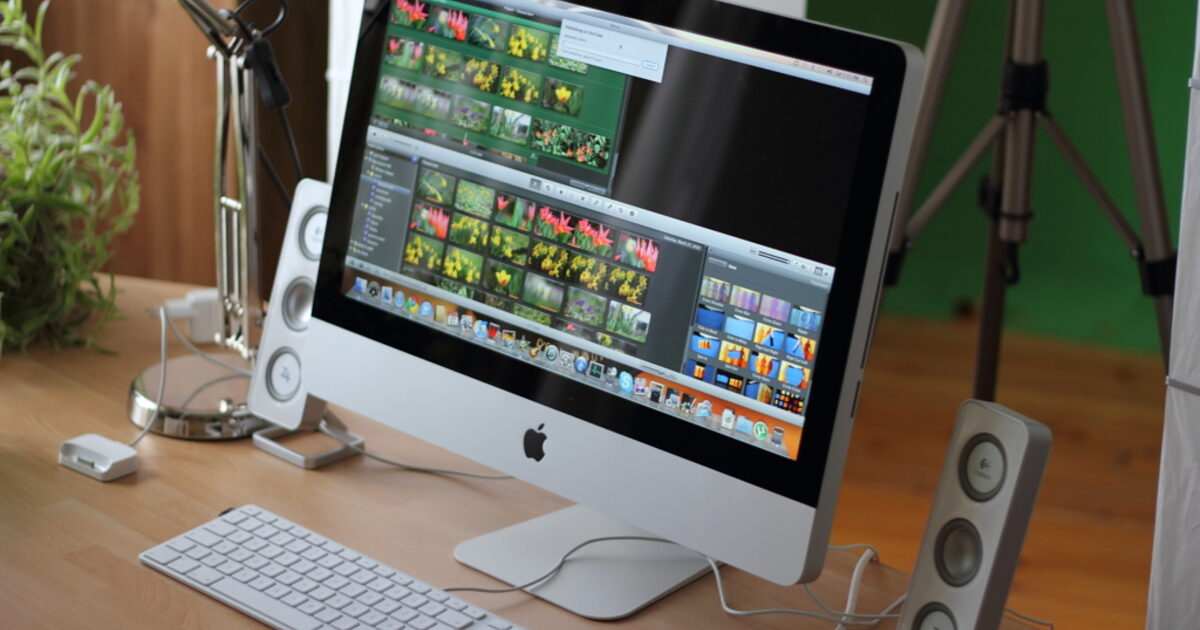
Cover photo: A design and editing workstation. Photo: My Workstation - Video editing by Rego - d4u.hu, CC BY-SA 2.0.