
Quick answer: Turn on two-factor authentication on every account (an authenticator app is safer than SMS), use a different strong password for each, set a WhatsApp two-step verification PIN, review logged-in devices, and never share login or verification codes with anyone, including “support”. If a page or account earns you money, secure it today: recovering a hacked account can take weeks.
Facebook and Instagram (Meta Accounts Center)
- Open Settings → Accounts Center → Password and security.
- Turn on Two-factor authentication; choose an authenticator app and save the backup codes offline.
- Open Where you’re logged in and log out devices you do not recognise.
- Turn on login alerts.
- Set a recovery email and phone you control.
- On Facebook, if Lock profile appears in your profile menu (⋯), you can use it to limit what strangers see; it is not offered in every country.
- Settings → Account → Two-step verification: set a 6-digit PIN and add an email.
- Never share the 6-digit code WhatsApp sends by SMS, even with “friends”.
- Settings → Privacy: limit who can add you to groups.
- Check Linked devices and log out unknown ones.
TikTok and YouTube
- Turn on 2-step verification in each app’s security settings.
- Use a Google account with 2-Step Verification for YouTube.
- Do not log in to “view counter” or “free followers” sites.
How Accounts Get Hacked in Kenya
| Trick | What it looks like |
|---|---|
| SIM-swap and code theft | A call asking you to “confirm” a code you just received |
| Fake copyright notices | A message saying your page will be deleted unless you log in on a link |
| Fake brand deals | A file or link that steals your session |
| Reused passwords | One leaked password opens all your accounts |
More scams to watch: how to avoid online scams in Kenya.
If Your Account Is Hacked
- Use the official recovery page (facebook.com/hacked, Instagram “Need more help?” on the login screen).
- Change your email password first if it was also taken.
- Tell your followers on another channel not to send money.
- Report the incident to your mobile network if you suspect a SIM swap.
- After recovery, turn on 2FA and remove unknown devices.
A 10-Minute Security Checklist
- Change reused passwords, starting with your email.
- Turn on 2FA on email, Facebook, Instagram, TikTok and YouTube.
- Set the WhatsApp two-step PIN.
- Save backup codes on paper at home.
- Remove unknown devices and old apps connected to your accounts.
- Add a second admin you trust to business pages.
- Set your phone screen lock and SIM PIN.
For Business Pages
Never make one person the only admin of a page that earns money. Give staff the lowest role they need, remove ex-employees immediately, and keep the owner account on an email you control.
Stay safe: never pay a "registration", "activation" or "withdrawal" fee to get paid, and never share your password or M-Pesa PIN. Real online income comes from people paying for your content, products or skills.
Create your free Stay Home Network account, or log in with H-MAIL on app.stayhomenetwork.com.
Frequently Asked Questions
How do I secure my Facebook account?
Turn on two-factor authentication, use a unique password, enable login alerts and remove unknown devices.
How do I lock my Facebook profile?
If available in your country, open your profile menu (⋯) and choose Lock profile.
What is WhatsApp two-step verification?
A 6-digit PIN that is required when your number is registered on a new phone.
Is SMS two-factor authentication safe?
It is better than nothing; an authenticator app is safer against SIM swaps.
How do I recover a hacked Facebook account?
Go to facebook.com/hacked and follow the steps; secure your email first.
Should I share a verification code with support?
Never. Real support does not ask for your codes.
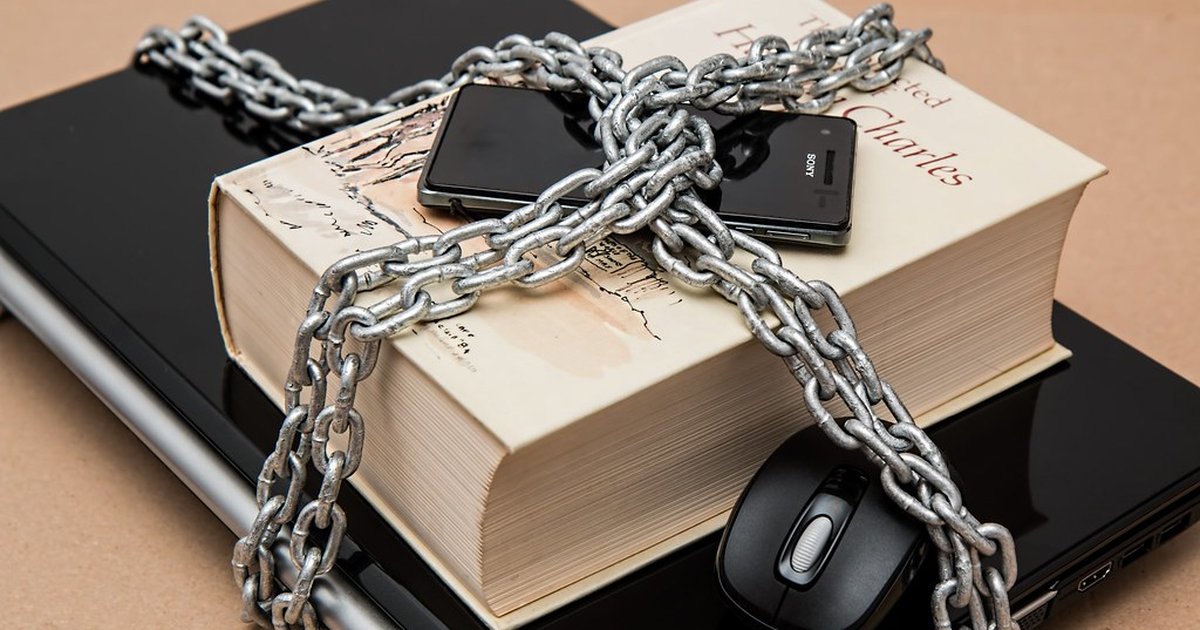
Cover photo: A smartphone and laptop wrapped in a chain with a padlock. Photo: black-android-smartphone-on-top-of-white-book-39584 by topten5, CC BY 2.0.


