
Quick answer: Log in to itax.kra.go.ke with your KRA PIN and password, go to Returns → File Nil Return, choose Income Tax - Resident Individual, confirm the period and submit, then download the receipt. File by 30 June each year for the previous year. Only file nil if you had no income: KRA cross-checks eTIMS and withholding tax records. The late filing penalty for individuals is the higher of KSh 2,000 or 5% of the tax due.
Who Should File a Nil Return?
| Situation | Return to file |
|---|---|
| Student or unemployed with no income all year | Nil return |
| Business registered but no income at all | Nil return for that obligation |
| Employed (you have a P9 form) | Not nil: file the income tax return with your P9 |
| Earned money online, freelancing or from a business | Not nil: declare the income |
How to File a Nil Return on iTax, Step by Step
- Open itax.kra.go.ke, enter your KRA PIN and password, and answer the security sum.
- Forgot your password? Use “Forgot Password” on iTax (KRA also offers resets through its USSD and help channels).
- From the top menu choose Returns → File Nil Return.
- Select the tax obligation Income Tax - Resident Individual and click Next.
- Check the return period (for example 01/01/2025 – 31/12/2025) and submit.
- Download the e-return acknowledgement receipt and keep it.
No KRA PIN yet? See how to get a KRA PIN online.
Deadline and Penalties
- Individual returns are due by 30 June for the previous year.
- Late filing penalty for individuals: the higher of KSh 2,000 or 5% of the tax due.
- Unpaid tax also attracts interest of 1% per month.
- You can file even when late: file first, then deal with the penalty.
How to Pay a KRA Penalty
- On iTax, generate a Payment Registration Number (PRN) for the penalty.
- In M-Pesa, go to Lipa na M-Pesa → Pay Bill, business number 222222.
- Use the PRN as the account number and pay the exact amount.
- Keep the M-Pesa message and the PRN slip.
Common Errors and Fixes
| Problem | What to do |
|---|---|
| Wrong password or locked account | Use Forgot Password; the reset goes to your registered email |
| Email no longer works | Contact KRA to update your email |
| Obligation not listed | You may be registered for a different obligation; check your PIN details |
| Filed nil by mistake when you had income | Amend the return and declare the income |
Freelancers and Online Earners
If you earn from Upwork, YouTube or a side business, that is income: do not file nil. Keep records of payments and expenses through the year.
Stay safe: never pay a "registration", "activation" or "withdrawal" fee to get paid, and never share your password or M-Pesa PIN. Real online income comes from people paying for your content, products or skills.
Create your free Stay Home Network account, or log in with H-MAIL on app.stayhomenetwork.com.
Frequently Asked Questions
How do I file KRA nil returns on my phone?
Open itax.kra.go.ke in your phone browser and follow the same steps: Returns → File Nil Return.
When is the KRA nil return deadline?
30 June every year, for the previous year.
What is the penalty for not filing nil returns?
For individuals, the higher of KSh 2,000 or 5% of the tax due.
Can I file nil returns if I am employed?
No. Employees file an income tax return using their P9.
Do students need to file nil returns?
Yes, if they have a KRA PIN and no income.
How do I pay a KRA penalty via M-Pesa?
Generate a PRN on iTax, then pay to paybill 222222 using the PRN as the account number.
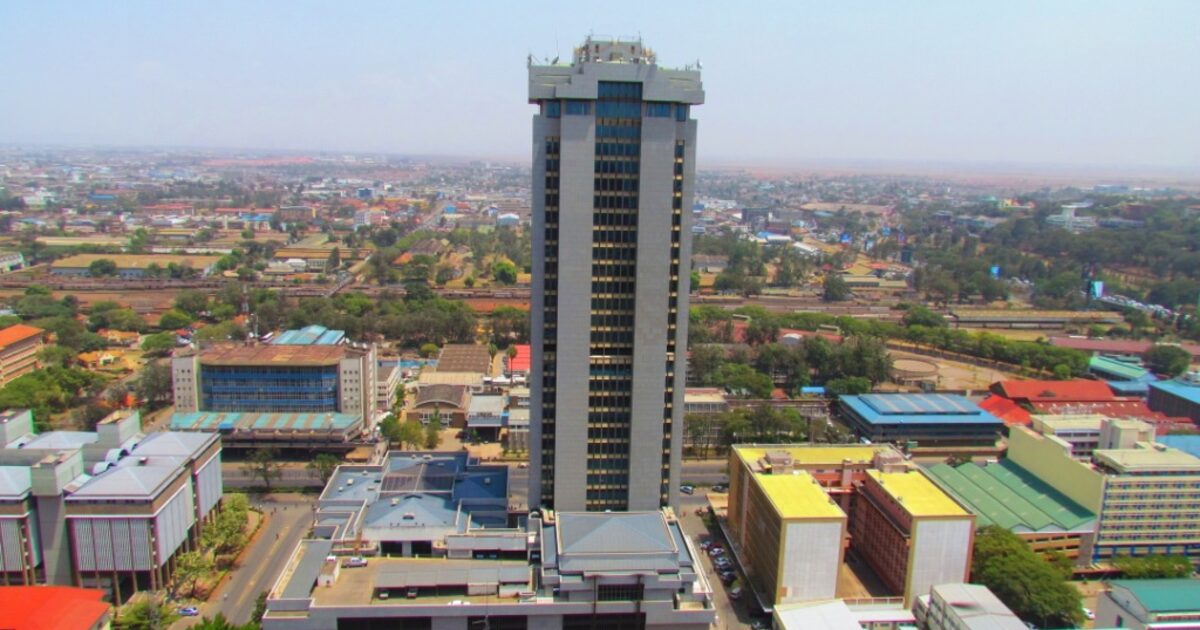
Cover photo: Times Tower in Nairobi, headquarters of the Kenya Revenue Authority. Photo: Times Towers by Dexxe, CC BY-SA 3.0, via Wikimedia Commons.